Planning a wedding is an exciting, yet often overwhelming, endeavor. From choosing the perfect venue to selecting the menu, every detail requires careful consideration. One aspect that can cause considerable stress is creating the wedding seating chart. After painstakingly deciding who to invite, figuring out where everyone should sit can feel like a monumental task. And once you've finalized that table arrangement, the next challenge arises: wedding seating chart printing. But don't worry! This guide will provide you with everything you need to navigate the world of wedding seating chart printing in 2026, ensuring a smooth and stress-free process.
Key Takeaways
- Creating a wedding seating chart doesn't have to be stressful with the right tools and planning.
- Consider your printing options early: DIY, professional printing, or innovative display methods.
- Utilize online tools like SeatingChartCreator.com to design your seating chart efficiently.
- Factor in cost, time, and desired aesthetic when making printing decisions.
- Always proofread your seating chart thoroughly before printing to avoid errors.
Why is Wedding Seating Chart Printing Still a Thing in 2026?
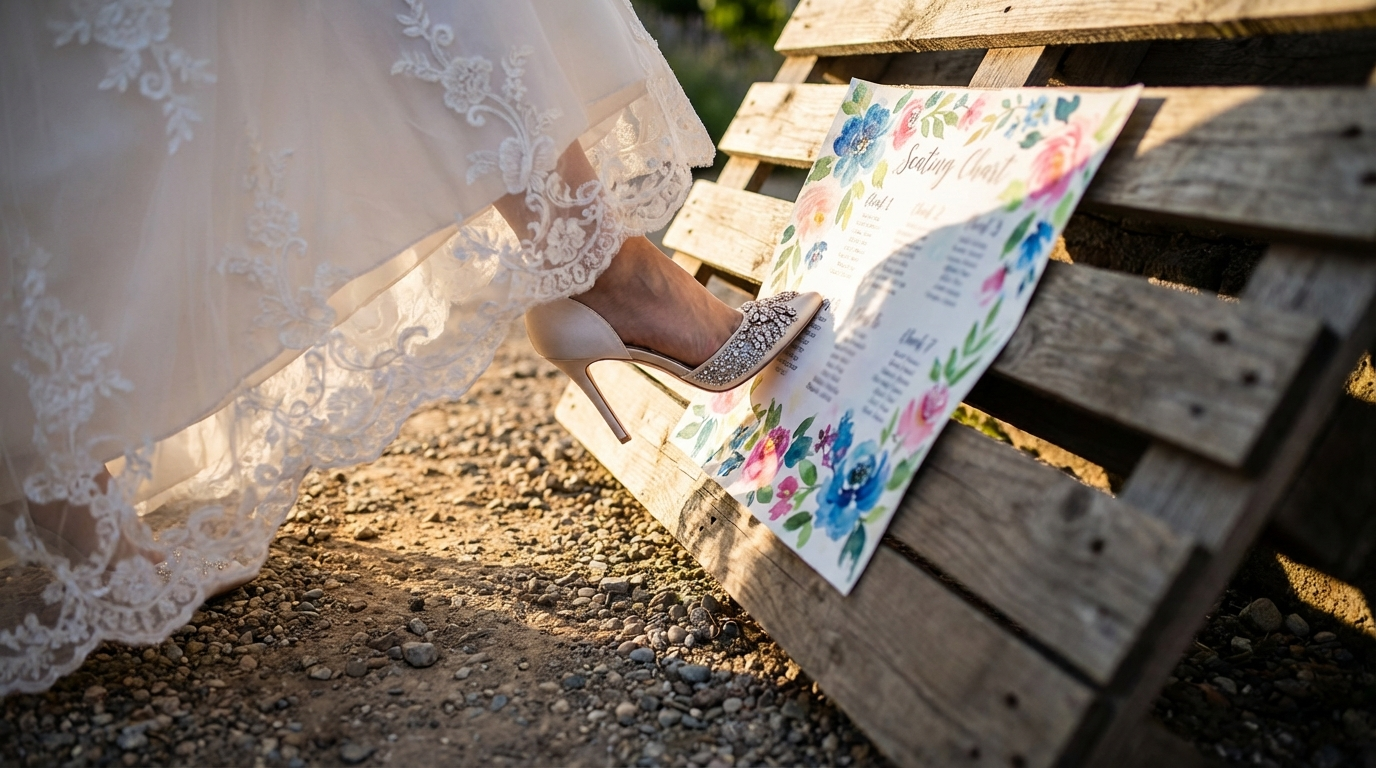
In an increasingly digital world, you might wonder why wedding seating chart printing remains relevant in 2026. While digital displays at weddings are becoming more common, the tradition of a beautifully printed seating plan continues to hold significant appeal. There's something inherently elegant and personal about a physical list that guests can easily refer to, adding a touch of sophistication to your special day.
Design Your Perfect Seating Chart
Free drag-and-drop seating chart creator for weddings, events, and venues. Export professional PDFs in minutes.
Create Free Seating ChartThink about it: not everyone at your wedding will be tech-savvy or comfortable navigating a digital display. A printed chart ensures that all your guests, regardless of age or technological proficiency, can quickly find their assigned seats without any hassle. Plus, a well-designed seating chart can double as a decorative element, complementing your wedding theme and adding to the overall ambiance.
Furthermore, printed seating charts offer a tangible keepsake. Many couples choose to frame their seating chart after the wedding as a memento of their special day. This sentimental value is something a digital display simply can't replicate. So, despite the rise of digital alternatives, wedding seating chart printing remains a vital and cherished tradition for many couples in 2026.
DIY vs. Professional Wedding Seating Chart Printing: Which is Right for You?
Once you've decided to create a printed seating chart, the next question is whether to tackle the printing yourself or enlist the help of professionals. Both options have their advantages and disadvantages, and the best choice depends on your budget, timeline, and desired level of quality.
DIY printing offers cost savings and greater control over the final product. If you have a high-quality printer, design skills, and plenty of time, this can be a viable option. However, it requires careful attention to detail, including selecting the right paper, calibrating your printer, and ensuring consistent print quality. Mistakes can be costly, as you may need to reprint the entire chart if there are errors.
Professional printing, on the other hand, offers superior quality and convenience. Professional printers have access to a wider range of paper stocks, printing techniques, and finishing options. They can also handle large-format printing and ensure consistent color accuracy. While this option is more expensive, it can save you time and stress, and guarantee a polished, professional-looking seating chart.
How to Design Your Wedding Seating Chart Using SeatingChartCreator.com
Before you can even think about wedding seating chart printing, you need to design your seating chart. This is where online tools like SeatingChartCreator.com come in handy. SeatingChartCreator.com offers a user-friendly interface and a range of features to help you create a stunning seating plan with ease.
Create an Account
Visit SeatingChartCreator.com and sign up for a free account. This will allow you to save your progress and access your seating chart from any device.
Add Your Guest List
Import your guest list from a spreadsheet or manually enter each guest's name. You can also add details like dietary restrictions or special needs.
Design Your Layout
Choose from a variety of table shapes and sizes, and arrange them according to your venue's floor plan. SeatingChartCreator.com offers a drag-and-drop interface, making it easy to customize your layout.
Assign Guests to Tables
Simply drag and drop guests to their assigned tables. SeatingChartCreator.com allows you to easily rearrange guests and tables as needed.
Customize the Design
Choose from a variety of fonts, colors, and backgrounds to match your wedding theme. You can also add decorative elements like borders and graphics.
Download and Print
Once you're satisfied with your design, download your seating chart in a high-resolution format suitable for printing. You can then print it yourself or send it to a professional printer.
With SeatingChartCreator.com, creating a beautiful and functional wedding seating chart is a breeze. The intuitive interface and customizable options allow you to design a seating plan that perfectly reflects your style and vision.
Paper Types and Printing Techniques for Stunning Wedding Seating Charts
The type of paper and printing technique you choose can significantly impact the look and feel of your wedding seating chart. Here's a breakdown of some popular options:
Paper Types:
- Matte: Offers a smooth, non-reflective finish that's easy to read and gives a classic, understated look.
- Glossy: Provides a shiny, reflective finish that enhances colors and adds a touch of glamour.
- Linen: Features a subtle texture that adds a tactile element and a touch of sophistication.
- Cardstock: A heavier, more durable paper that feels luxurious and is less prone to creasing.
- Recycled: An eco-friendly option that's perfect for couples who want to minimize their environmental impact.
Printing Techniques:
- Digital Printing: The most common and affordable option, ideal for large-format printing and detailed designs.
- Letterpress Printing: A traditional technique that creates a deep impression in the paper, adding a vintage, handcrafted feel.
- Foil Stamping: Adds a metallic finish to certain elements of the design, creating a luxurious and eye-catching effect.
- Thermography: Creates a raised, textured effect that adds dimension and visual interest.
When choosing paper and printing techniques, consider your wedding theme, budget, and desired aesthetic. Experiment with different options to find the perfect combination that reflects your personal style.
Creative Alternatives to Traditional Wedding Seating Chart Printing
While a traditional printed seating chart is a classic choice, there are plenty of creative alternatives that can add a unique touch to your wedding. Here are a few ideas:
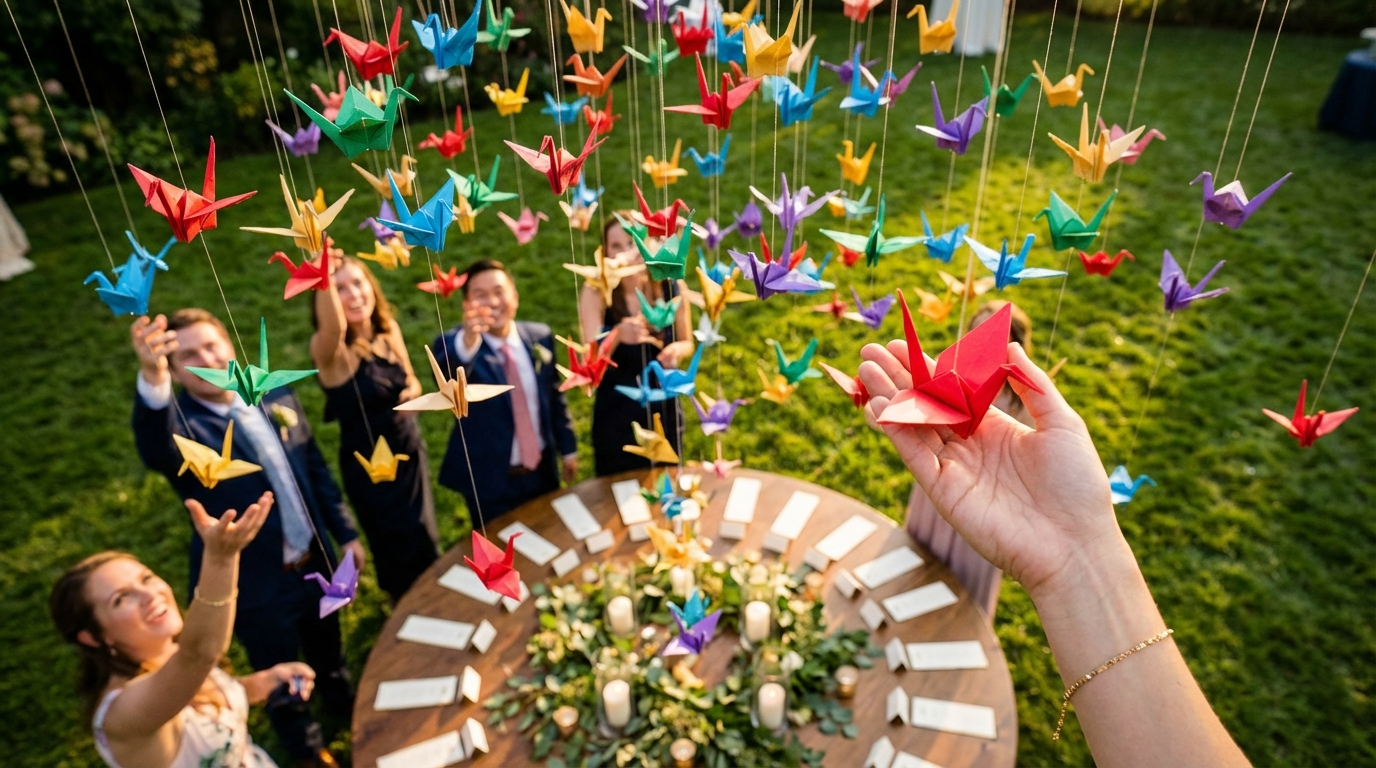
- Escort Cards: Individual cards with each guest's name and table number, displayed on a table or hung from a decorative element.
- Mirrors or Chalkboards: Write the seating assignments on a large mirror or chalkboard for a vintage or rustic look.
- Calligraphy on Leaves or Stones: For a natural and whimsical touch, write guest names and table numbers on leaves or stones.
- Personalized Favors: Incorporate the seating assignment into the wedding favors, such as personalized coasters or small gifts.
- Digital Display: Use a large screen or projector to display the seating chart digitally. This is a modern and eco-friendly option.
These creative alternatives can add a personal touch to your wedding and make the seating assignment process more engaging for your guests. Choose an option that aligns with your overall theme and budget.
Step-by-Step Guide to Printing Your Wedding Seating Chart at Home
If you've decided to tackle wedding seating chart printing at home, here's a step-by-step guide to ensure a successful outcome:
Prepare Your Design
Ensure your seating chart design is finalized and saved in a high-resolution format (e.g., PDF or JPEG). Double-check for any errors in names or table assignments.
Choose Your Paper
Select the paper type you want to use and ensure it's compatible with your printer. Consider the weight and finish of the paper, and buy enough to account for potential reprints.
Calibrate Your Printer
Run a test print on plain paper to ensure your printer is properly calibrated and the colors are accurate. Adjust the printer settings as needed.
Load the Paper
Load the paper into your printer according to the manufacturer's instructions. Make sure the paper is properly aligned to avoid jams or misprints.
Print Your Seating Chart
Print your seating chart and carefully inspect it for any errors or imperfections. If necessary, make adjustments to your design or printer settings and reprint.
Trim and Finish
Trim your seating chart to the desired size and add any finishing touches, such as a decorative border or backing. Display your completed seating chart at your wedding venue.
By following these steps, you can successfully print your wedding seating chart at home and save money without sacrificing quality.
Tips for Choosing the Right Font and Layout for Your Wedding Seating Chart
The font and layout of your wedding seating chart play a crucial role in its readability and overall aesthetic. Here are some tips to help you make the right choices:
- Choose a Legible Font: Opt for a font that is easy to read from a distance. Avoid overly decorative or intricate fonts that can be difficult to decipher.
- Use a Consistent Font Size: Maintain a consistent font size throughout the seating chart to ensure uniformity and readability.
- Consider the Layout: Choose a layout that is clear and organized. Group guests by table and use headings to separate sections.
- Use White Space Effectively: Avoid overcrowding the seating chart with too much text. Use white space to create visual breathing room and improve readability.
- Match the Style to Your Theme: Select fonts and layouts that complement your wedding theme. A modern theme might call for a clean, sans-serif font, while a vintage theme might suit a more ornate, serif font.
By paying attention to these details, you can create a wedding seating chart that is both visually appealing and easy to use for your guests. Remember, function and aesthetics should work hand in hand.
Wedding Seating Chart Printing: Cost-Saving Strategies for the Budget-Conscious Couple
Wedding costs can quickly add up, and wedding seating chart printing is no exception. If you're on a tight budget, here are some cost-saving strategies to consider:
- DIY Printing: As mentioned earlier, printing your seating chart at home can save you a significant amount of money.
- Online Printing Services: Explore online printing services that offer competitive prices and discounts.
- Simplify the Design: Opt for a simple, minimalist design that requires less ink and paper.
- Print in Black and White: Eliminate color printing to save on ink costs.
- Use Recycled Paper: Recycled paper is often less expensive than virgin paper and is an eco-friendly choice.
- Consider a Smaller Size: Reduce the size of your seating chart to minimize paper usage.
DIY Printing
- Lower upfront costs
- Full control over the process
Professional Printing
- Higher quality and finish
- Saves time and effort
By implementing these cost-saving strategies, you can create a beautiful and functional wedding seating chart without breaking the bank.
Common Mistakes to Avoid When Printing Your Wedding Seating Chart
Wedding seating chart printing can be tricky, and there are several common mistakes that couples make. Here are some pitfalls to avoid:
- Typos and Misspellings: Always proofread your seating chart carefully to ensure there are no typos or misspellings in guest names or table numbers.
- Incorrect Table Assignments: Double-check that all guests are assigned to the correct tables.
- Poor Print Quality: Ensure your printer is properly calibrated and the ink levels are sufficient to avoid blurry or faded prints.
- Using the Wrong Paper: Choose a paper type that is appropriate for your printer and design.
- Not Accounting for Changes: Be prepared to make last-minute changes to your seating chart if guests cancel or change their RSVP.
By avoiding these common mistakes, you can ensure a smooth and stress-free wedding seating chart printing experience.
Expert Tips for a Flawless Wedding Seating Chart Printing Experience
Here are some expert tips to help you achieve a flawless wedding seating chart printing experience:
- Start Early: Don't wait until the last minute to design and print your seating chart. Start the process well in advance to avoid unnecessary stress.
- Get Feedback: Ask friends or family members to review your seating chart and provide feedback on the design and layout.
- Test Print: Always test print your seating chart on plain paper before printing on your final paper stock.
- Keep it Simple: Avoid overly complicated designs that can be difficult to read or print.
- Have a Backup Plan: Be prepared for unexpected issues, such as printer malfunctions or paper shortages. Have a backup plan in place to ensure you can still print your seating chart on time.
By following these expert tips, you can ensure a smooth and successful wedding seating chart printing experience.
Frequently Asked Questions
Ideally, you should aim to print your wedding seating chart about one to two weeks before your wedding. This allows you enough time to account for any last-minute changes or printing issues. Finalize your guest list and table arrangements at least three weeks before the wedding to give yourself ample time for design and printing.
Get Event Planning Tips
Weekly tips on seating arrangements, event layouts, and planning strategies.
SeatingChart Team
Our team of event planning experts is dedicated to helping you create unforgettable events with perfect seating arrangements.
Ready to Create Your Seating Chart?
Start planning your perfect event layout with our free drag-and-drop seating chart creator. No sign-up required to try it out!
Try Free Seating Chart Creator