
From Spreadsheet Nightmare to Seating Chart Bliss: Why I Dumped Excel
Planning a wedding or large event can feel like juggling a million flaming torches, right? Between the venue, catering, and guest list, it's easy to get overwhelmed. For me, the seating chart was always the biggest stressor. I used to think Excel was the answer, but let me tell you, that was a recipe for disaster.
Endless rows and columns, trying to visualize who should sit where... it was a nightmare! I'd spend hours wrestling with spreadsheets, only to end up with a confusing mess. Then I discovered online seating chart templates, and it was a game-changer. Seriously, it saved my sanity. This is my story of how I ditched Excel and embraced a better way to create seating arrangements.
I'm going to show you why a dedicated seating chart template is far superior to a generic spreadsheet. We'll also look at some tips and tricks to make the entire process smoother. And, of course, I'll show you how you can get started designing your own seating plan for free.
Why Excel Just Doesn't Cut It for Seating Charts
Okay, let's be honest: Excel is a powerful tool. But it's not designed for visual planning. A seating chart is inherently visual. You need to see the tables, the guests, and how they all fit together. That's where Excel falls short.
Here's why Excel became my nemesis when planning seating arrangements:
- Lack of Visual Representation: Excel is all about data, not design. Trying to create a visual representation of your venue layout is like trying to paint a masterpiece with a calculator.
- Cumbersome Drag-and-Drop: Moving guests around in Excel is a clunky process. Copying and pasting names, ensuring you don't lose anyone in the process... it's tedious and prone to errors.
- Limited Collaboration: Sharing an Excel sheet with family or your partner for feedback isn't ideal. You end up with multiple versions and conflicting edits.
- No Guest Information Integration: Excel doesn't easily integrate with your guest list. You have to manually enter (or import, then clean up) all the names and details.
- No Way to Track Dietary Restrictions: Remembering who's vegan, allergic to nuts, or prefers gluten-free options? Forget about it! Excel offers no easy way to track these crucial details alongside seating assignments.
I was banging my head against the wall trying to make Excel work, and I knew there had to be a better way. That's when I started exploring online seating chart tools.
The Seating Chart Template Revolution: A Visual Approach
The moment I switched to a dedicated seating chart template, everything changed. Here's why these tools are so much better than Excel:
- Visual Layout: You can create a visual representation of your venue, with tables, chairs, and even stage elements. It's like having a digital blueprint of your event space.
- Easy Drag-and-Drop: Moving guests around is as simple as dragging and dropping their names onto different tables. No more tedious copy-pasting!
- Collaboration Features: Many tools allow you to share your seating plan with others, so you can get feedback and make changes collaboratively.
- Guest List Integration: You can import your guest list directly from a spreadsheet or CSV file, saving you tons of time and effort.
- Dietary Restrictions and Other Notes: Easily add notes to each guest profile, such as dietary restrictions, allergies, or seating preferences.
For example, with SeatingChartCreator.com, you can easily upload your guest list and then drag and drop guests onto your tables. The visual interface makes it simple to see how everything fits together. Plus, it's free to use!
Design Your Perfect Seating Chart
Free drag-and-drop seating chart creator for weddings, events, and venues. Export professional PDFs in minutes.
Create Free Seating ChartI found I was spending less time wrestling with the software and more time focusing on who should sit with whom. This led to a far more thoughtful and strategic table arrangement.
Step-by-Step: Creating Your Dream Seating Chart
Ready to ditch Excel and embrace a better way? Here's a step-by-step guide to creating your dream seating chart:
- 1Choose a Seating Chart Tool: There are many options available, but I recommend starting with a free tool like SeatingChartCreator.com.
- 2Input Your Venue Layout: Start by creating a basic layout of your venue. Add tables, chairs, and other key elements. Most tools offer pre-designed templates for common venue layouts.
- 3Import Your Guest List: Upload your guest list from a spreadsheet or CSV file. Make sure your file includes names, contact information, and any relevant notes (dietary restrictions, etc.).
- 4Assign Guests to Tables: Now comes the fun part! Start dragging and dropping guests onto different tables. Consider relationships, interests, and personalities when making your decisions.
- 5Get Feedback: Share your seating plan with family or your partner and ask for their feedback. Make any necessary adjustments based on their suggestions.
- 6Finalize and Print: Once you're happy with your table arrangement, finalize the chart and print it out. You can also share it digitally with your venue or catering staff.
Remember to take your time and don't be afraid to experiment with different arrangements. The goal is to create a seating chart that is both functional and aesthetically pleasing.
Pro Tip: Leverage Guest Data for Smarter Seating
A seating chart template is more than just a visual tool. It's also a powerful way to leverage guest data for smarter seating arrangements. Here's how:
- Group Guests by Relationship: Make sure to seat couples, families, and close friends together. This will help create a more comfortable and enjoyable experience for everyone.
- Consider Interests and Hobbies: Try to seat guests with similar interests and hobbies together. This will give them something to talk about and help them connect with each other.
- Mix and Match: Don't be afraid to mix and match different groups of people. This can help create a more vibrant and dynamic atmosphere.
- Pay Attention to Age: Consider the age of your guests when making seating arrangements. Older guests may prefer to sit closer to the front, while younger guests may prefer to sit closer to the dance floor.
- Dietary Needs: Confirm you've accurately accounted for guest's dietary restrictions and allergies.
By using guest data to inform your seating decisions, you can create a seating chart that is both thoughtful and strategic. This will help ensure that everyone has a great time at your event.
Creating the Perfect Table Arrangement: Dos and Don'ts
Creating the perfect table arrangement is an art and a science. Here are some dos and don'ts to keep in mind:
Dos:
- Do consider the flow of traffic. Make sure there's enough space for guests to move around comfortably.
- Do pay attention to sightlines. Make sure guests have a clear view of the stage or focal point.
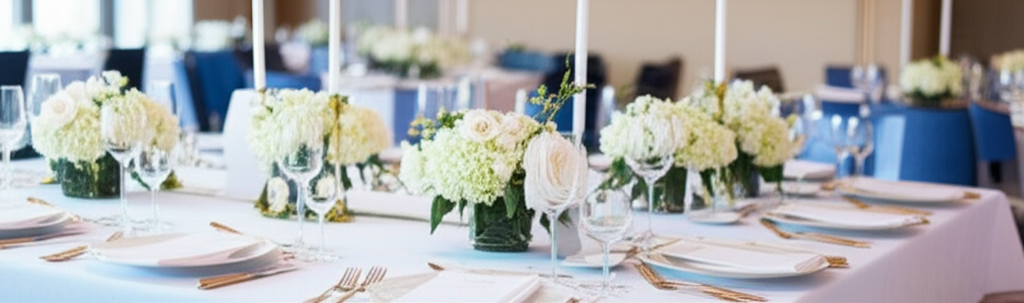
- Do use centerpieces to add visual interest. But make sure they're not too tall, or they'll obstruct guests' views.
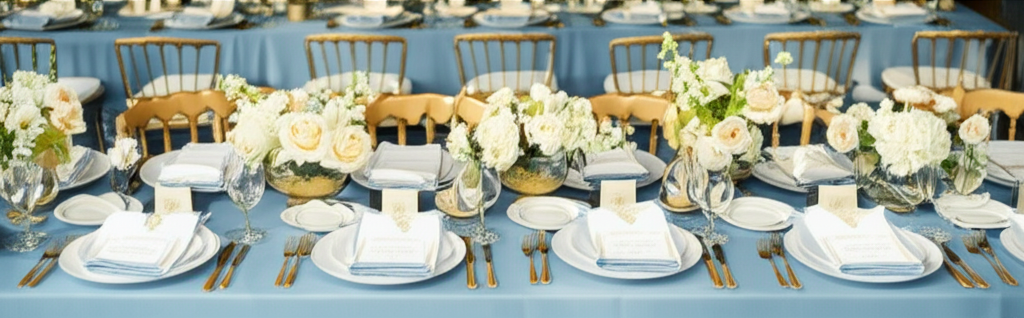
- Do use linens and tableware to create a cohesive look.
- Do have fun with it! Creating a seating chart should be an enjoyable process.
Don'ts:
- Don't overcrowd tables. Give guests enough space to eat and socialize comfortably.
- Don't seat people next to exes or rivals (unless you're intentionally trying to create drama!).
- Don't forget about accessibility. Make sure there are accessible seating options for guests with disabilities.
- Don't leave single guests stranded at a table full of couples.
- Don't finalize your seating plan until you have a confirmed guest list.
Following these dos and don'ts will help you create a table arrangement that is both functional and aesthetically pleasing.
Seating Chart Templates: Examples and Inspiration
Need some inspiration? Here are a few examples of seating chart templates that you can use as a starting point:
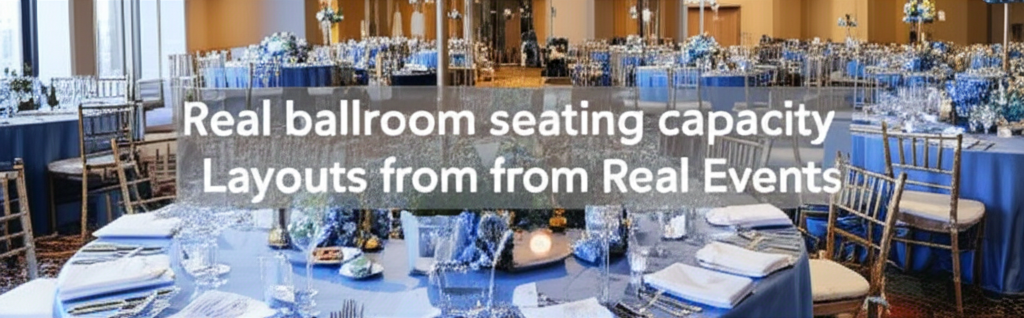
- The Classic Round Table: This is a traditional setup that works well for formal events. Each table typically seats 8-10 guests.
- The Long Rectangular Table: This setup is ideal for creating a more intimate and communal atmosphere. It's often used for family-style meals.
- The U-Shaped Table: This setup is great for conferences or presentations. It allows guests to easily see the speaker or presenter.
- The Banquet Style: This setup is often used for large events with a buffet. It allows guests to easily access the food and drinks.
- The Cocktail Style: This setup is perfect for casual events with a focus on mingling. It features a mix of high and low tables.
Remember, you can customize these templates to fit your specific needs and preferences. Don't be afraid to get creative and experiment with different layouts.
You can find free seating chart templates on sites like SeatingChartCreator.com. These templates can save you a lot of time and effort.
Common Seating Chart Mistakes and How to Avoid Them
Even with a great seating chart template, it's easy to make mistakes. Here are some common pitfalls to avoid:
- Not Confirming RSVPs: Don't start your seating plan until you have a confirmed guest list. Otherwise, you'll end up wasting time rearranging tables for people who aren't coming.
- Ignoring Guest Preferences: Take the time to ask your guests about their seating preferences. This will help you create a seating chart that everyone is happy with.
- Forgetting About Dietary Restrictions: Always double-check for dietary restrictions and allergies. This is especially important for guests with severe allergies.
- Overlooking Accessibility Needs: Make sure there are accessible seating options for guests with disabilities. This includes wheelchair-accessible tables and seating near restrooms.
- Waiting Until the Last Minute: Don't wait until the last minute to create your seating chart. This will only add stress to an already busy time.
By avoiding these common mistakes, you can create a seating chart that is both functional and stress-free.
Expert Tips for Seating Chart Success
Want to take your seating chart to the next level? Here are some expert tips:
- Start Early: Begin working on your seating plan as soon as you have a confirmed guest list. This will give you plenty of time to make adjustments and avoid last-minute stress.
- Use a Seating Chart Tool: As we've covered, dedicated seating chart tools are far superior to Excel. They offer visual layouts, easy drag-and-drop functionality, and collaboration features.
- Consider "Vibe": Think about the overall atmosphere you want to create at your event. Use your seating plan to help achieve that vibe.
- Don't Be Afraid to Ask for Help: If you're struggling to create a seating chart, don't be afraid to ask for help from friends, family, or a professional event planner.
- Review, Review, Review: Once you've finalized your seating plan, review it carefully to make sure there are no errors or omissions.
By following these expert tips, you can create a seating chart that is both functional and memorable.
Frequently Asked Questions
Start by creating a basic layout of your venue using a seating chart template. Add tables, chairs, and other key elements. Then, import your guest list and start assigning guests to tables based on relationships, interests, and personalities.
Get Event Planning Tips
Weekly tips on seating arrangements, event layouts, and planning strategies.
SeatingChart Team
Our team of event planning experts is dedicated to helping you create unforgettable events with perfect seating arrangements.
Ready to Create Your Seating Chart?
Start planning your perfect event layout with our free drag-and-drop seating chart creator. No sign-up required to try it out!
Try Free Seating Chart Creator